The Job Kit
Receipt ScannerLive now
The shoebox is retired.
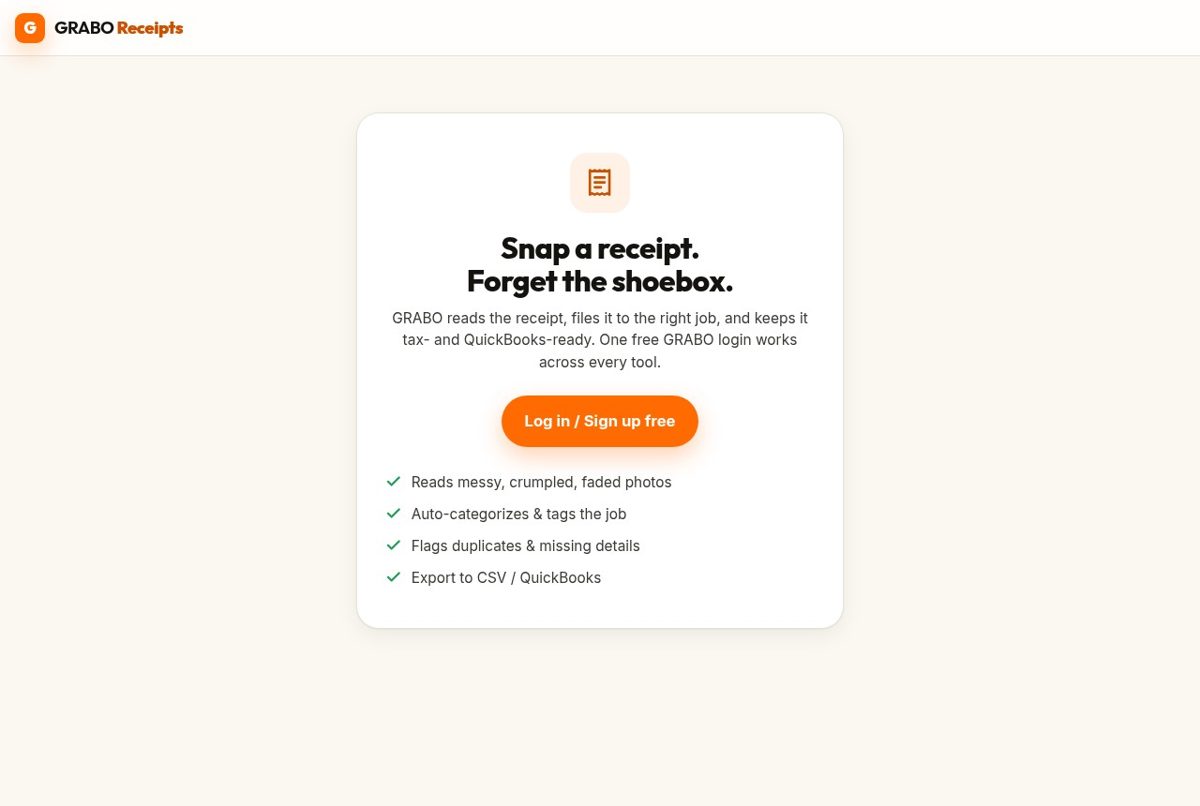
Snap a receipt the second you get it. GRABO reads it, files it to the right job, and keeps it ready for tax time and job costing.
- Snap any receipt, we read the vendor, date and total
- Auto-filed to the right job, ready for tax time
- Exports straight to CSV or QuickBooks
What it does
Photograph any receipt, fuel, lumber yard, tile supplier, lunch for the crew. The app pulls the vendor, date, and total automatically, tags it to a job, and stores it. No typing. No lost paper.
Why it's different
It doesn't just store receipts, it feeds them straight into your job costs, so what you spent shows up against the job you spent it on, automatically.
How it works
Step by step.
1
Take a photo of a receipt.
2
We extract vendor, date, total, tax and line items.
3
Assign it to a project.
4
It's stored for accounting, job costing and warranty proof.
Built-in AI
What the AI does for you.
- Reads messy, crumpled receipts
- Categorizes expenses automatically
- Assigns each receipt to the likely project
- Detects duplicates
- Extracts material names and quantities
- Flags missing or unreadable details
Inside the app
Receipt cameraExtracted reviewProject assignmentExpense dashboardExport to accounting
What ships first
Receipt OCRProject taggingCategoriesDuplicate detectionCSV / QuickBooks export
The rest of the kit
It works even better with the others.
Tile VisualizerShow clients exactly how a tile, pattern or layout will look in their actual room, before anyone commits to an order.
Live
Tile FinderFound a tile to match, on a repair, a remodel, or a client's screenshot? Snap a photo and get the closest matches in seconds.
Live
Permit CheckerEnter the city and the type of work. GRABO tells you whether a permit is likely needed and what to file, before you quote.
Soon
Invoice & PayTurn an approved quote or change order into a clean invoice and collect payment on the spot.
Soon
Scope WriterTalk or type how you'd explain the job to your crew. GRABO turns it into a clean, client-ready scope of work.
Soon